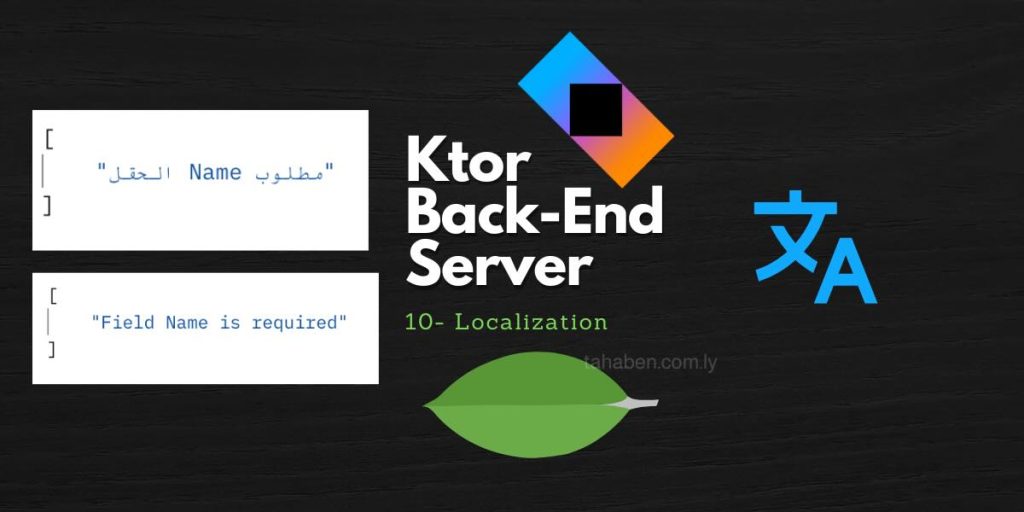
Welcome back. In the previous lesson, we learned how to do request validation to validate incoming data from requests that the client sent. In this lesson, we are going to learn how to localize the validation so that we respond to the client with an error message in their language using the i18n plugin.
Dependencies
ktor-server-i18n = { module = "io.ktor:ktor-server-i18n", version.ref = "ktor-version" }Setup
fun Application.module() {
// existing configuration

    install(I18n){
        availableLanguages = listOf("en", "ar")
        defaultLanguage = "en"
    }
}
To define our strings in different languages we need to create a new directory in the resources directory and call it messages, for each language we need to create a new file called messages_[languagecode].properties
Example: resources > messages > messages_en.properties
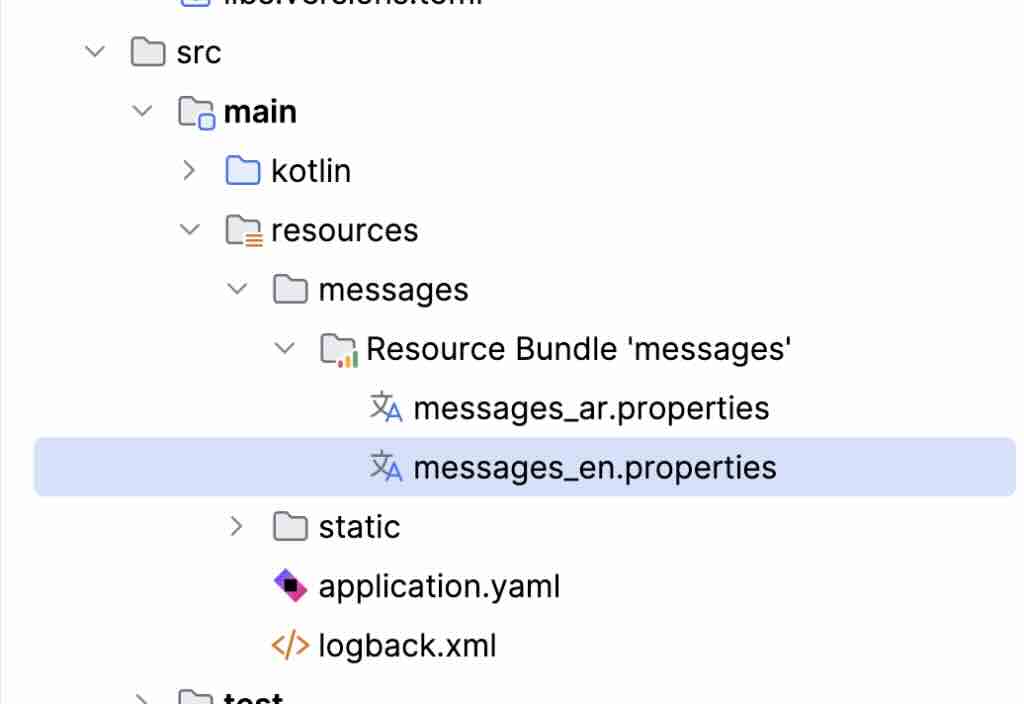
In each .properties file for each language, we need to define our key and the value, which is the translated message in that language. using dots here is optional but not required we use curly brackets with a number inside them to indicate that there is a placeholder and the number between the curly brackets indicates the order in which where that placeholder should be when we pass it later.
error.field.required=Field {0} is requirederror.field.required=الحقل {0} مطلوبUsage
To get a translated string we use the i18n function and pass the key to that message. This will give us a translated string. But the i18n plugin does not support arguments so our placeholders will not be replaced. To fix this we are going to use java message formatter from java.text package to get a translated string we can use it without adding any other libraries. That will allow us to replace our placeholders with actual values.
val message = i18n("error.field.required")
val messageWithPlaceholder = MessageFormat.format(message, "name")
The translation will depend on the Accept-Language header that the client will send to the server and if the client does not send that header the default language will be used.
For convenience we are going to create this translate extension function that handles all the translation plus handling arguments via message format. So that we can just call the translate function pass the key and any arguments if they exist and this will translate messages for us.
import io.ktor.i18n.*
import io.ktor.server.application.*
import io.ktor.server.routing.*
import java.text.MessageFormat

/**
 * Created by Taha Ben Ashur (https://github.com/tahaak67) on 05, Feb, 2026
 */

fun RoutingContext.translate(key: String, vararg args: String?): String {
    val message = i18n(key)
    return if(args.isEmpty()){
        message
    } else {
        MessageFormat.format(message, *args)
    }
}

// ApplicationCall extension not available in earlier versions
fun ApplicationCall.translate(key: String, vararg args: String?): String {
    val message = i18n(key)
    return if(args.isEmpty()){
        message
    } else {
        MessageFormat.format(message, *args)
    }
}
As always the source code can be found here.
Great content! Keep up the good work!